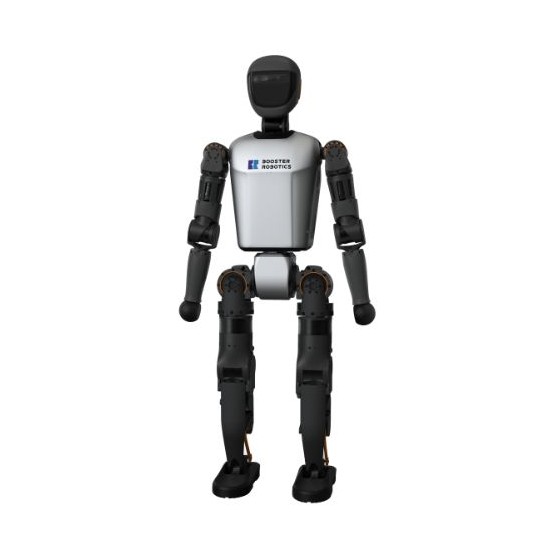
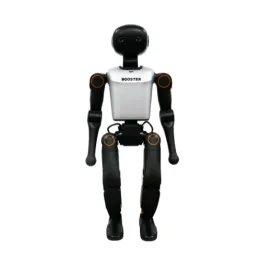
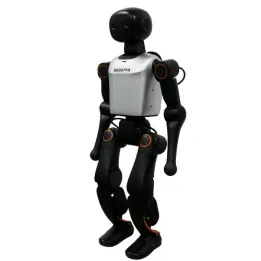
Booster T1 robot resources
FAQ – Booster T1 humanoid robot
What level of “realistic” autonomy can I aim for right from the start?
On a research humanoid, it is generally more effective to start with constrained scenarios (motions, simple trajectories, repeatable actions), then progressively increase complexity (perception, interaction, manipulation). The right level mainly depends on your software resources, your test environment, and the time you can allocate to integration.
Which interfaces are available to control the robot (PC, smartphone, remote control)?
The Booster T1 is presented with a mobile control app via Bluetooth for certain functions (startup, basic control depending on available resources). For “project” control (tests, scenarios, automation), the most common approach is controlling from a computer over the network (Wi-Fi/Ethernet), relying on the available software interfaces.
And regarding software integration (API, ROS 2), what is planned?
Resources indicate an API (command and status feedback) as well as ROS 2 compatibility. Official repositories illustrate control via low-level exchanges (command and status feedback), and a ROS 2 SDK provides dedicated messages/services for control.
Which sensors are accessible and in what form (streams, rate, synchronization)?
For perception/AI projects, ask which outputs are exposed (depth camera, IMU, audio), at what rates, and how synchronization is handled. These details determine the feasibility of a vision/control pipeline or data collection for learning.
What workstation / network prerequisites should be anticipated?
Check the connection mode (Ethernet/Wi-Fi), the ports used, and whether your network imposes constraints (VPN, VLAN, proxy). In university or industrial environments, these can be blocking if not anticipated.
Can simulation be used for a “simulation → robot” workflow?
Yes, simulation environments are mentioned. For a project, clarify the availability of models (assets), the gap between simulation and robot (parameters, controllers), and the examples provided to accelerate setup.
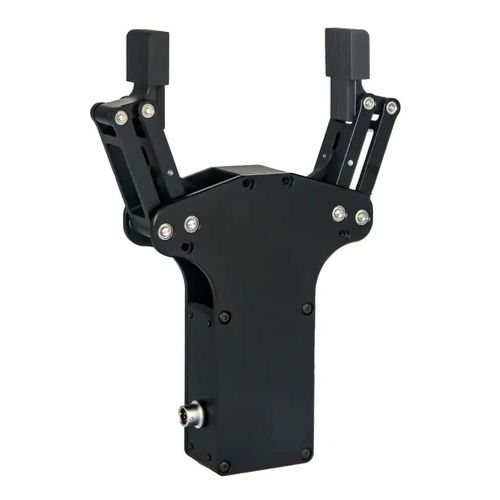
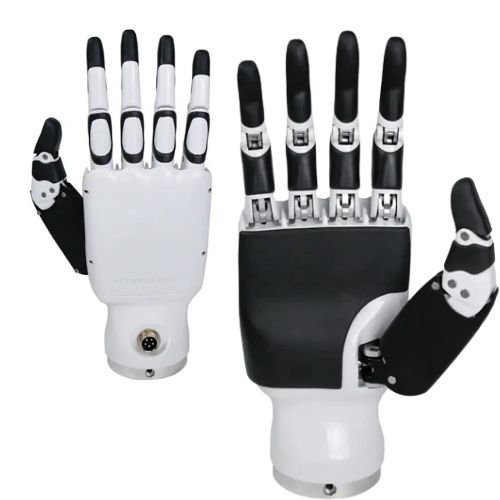
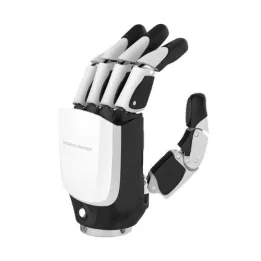
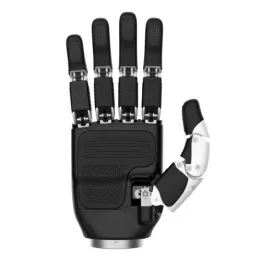
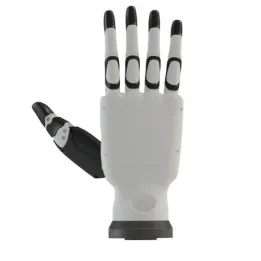
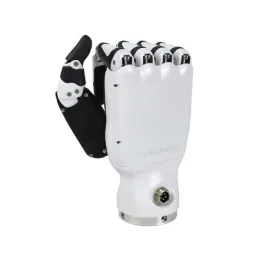
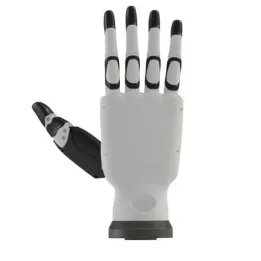
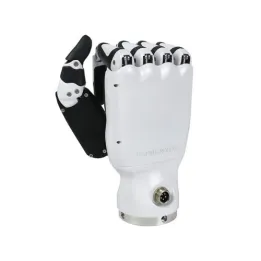
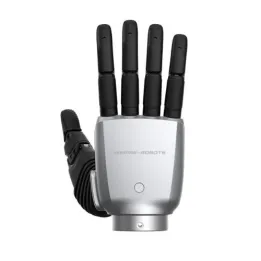
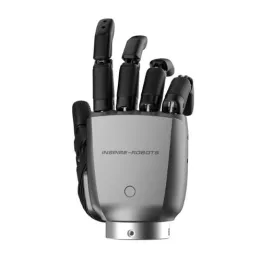
What workload should be expected for manipulation (grippers or dexterous hands)?
Grasping is often the most costly part to tune: calibration, control, contact detection, repeatability. Before choosing an option, clarify your objective (pick/place vs fine gestures), target objects, and the expected level of precision.
What should be checked for real-world use (floors, space, safety)?
In practice, locomotion and stability are sensitive to the floor (friction, irregularities), available space, and supervision procedures. It is recommended to plan a safe test area and a progressive protocol (simple motions → full scenarios).
What is included in delivery (and what is optional)?
To avoid surprises, have confirmed what is included (robot, battery(ies), charger, transport elements, accessories) and what depends on the version (grippers/hands, communication options, additional parts). This is a classic pre-order checkpoint.
What support is available (documentation, examples, assistance)?
For a research/teaching team, documentation and examples often have more impact than the “spec list”. Before purchase, ask what is provided (manuals, tutorials, code samples, supervision tools) and how support is delivered (channel, response times, onboarding).