xArm resources
FAQ – UFactory xArm (xArm5 / xArm6 / xArm7)
What is the difference between xArm5, xArm6 and xArm7?
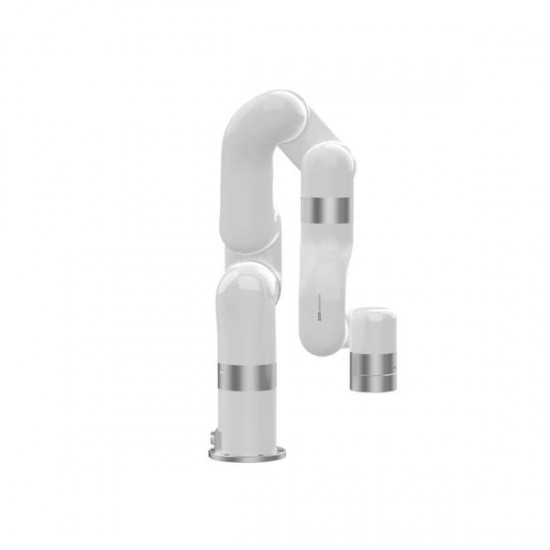
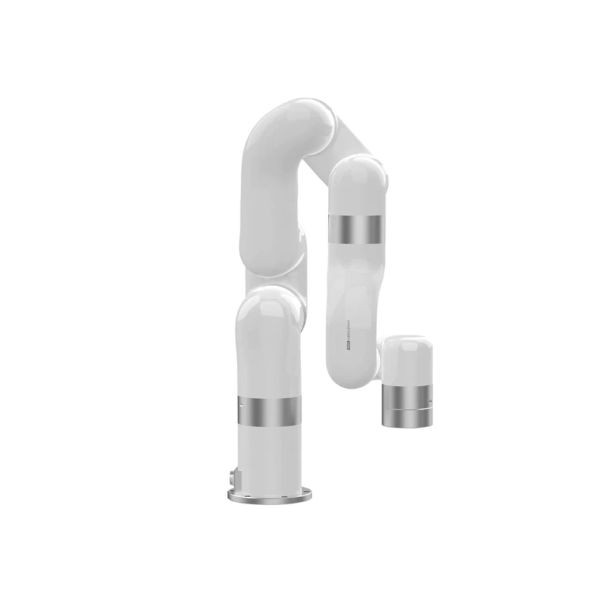
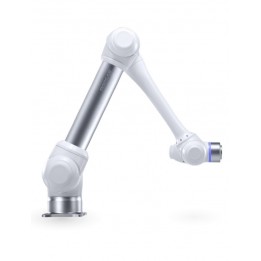
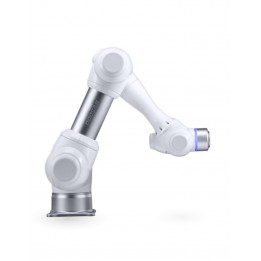
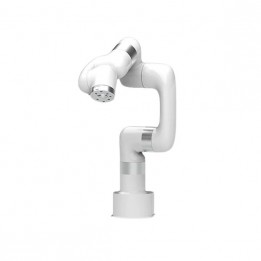
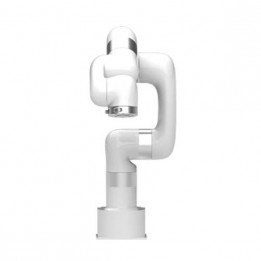
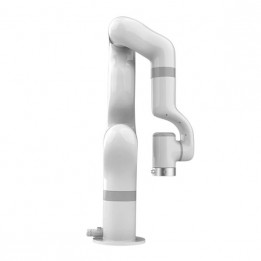
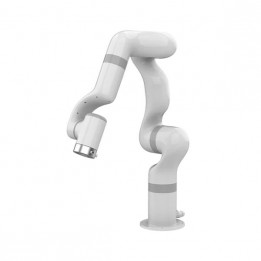
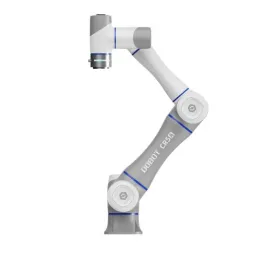
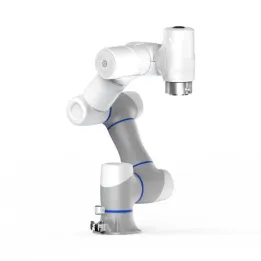
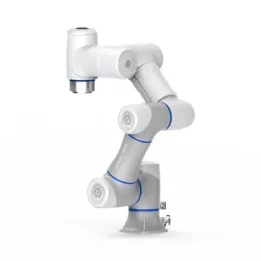
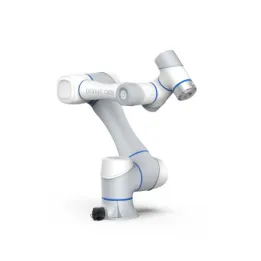
The models share the same reach (700 mm) but differ in the number of axes (5/6/7 DOF) and payload. The xArm6 is commonly selected for applications requiring up to 5 kg, while the xArm7 provides greater dexterity (7 axes) to work around obstacles and improve access around the part.
Is the xArm a collaborative robot (cobot)?
Yes, the xArm range is designed as a family of collaborative robotic arms. Collision detection is available as standard on xArm models.
Can the xArm be programmed in Python or C++?
Yes. The xArm includes an open-source Python/C++ SDK for developing your applications. ROS/ROS2 packages are also available to simplify integration into robotics projects.
Is the xArm compatible with ROS and ROS2?
Yes. ROS/ROS2 packages are available to integrate the xArm into your robotics stack (control, planning, perception, etc.).
What are the most common xArm use cases?
xArm cobots are often used for lab automation, robotics research, machine loading/unloading and machine tending, as well as pick & place tasks depending on the tooling (gripper, vacuum, etc.).
Which accessories should I choose to get started?
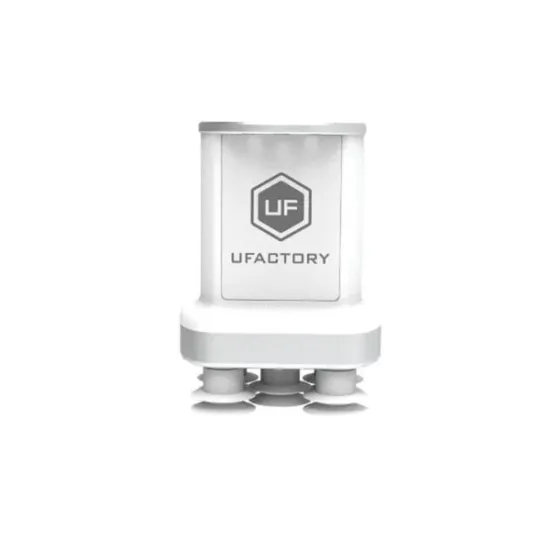
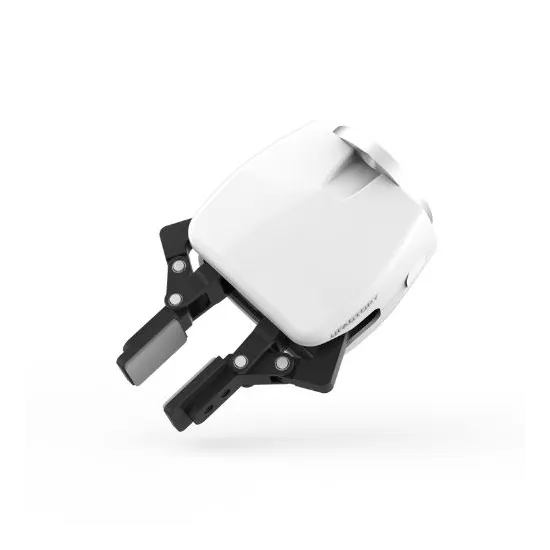
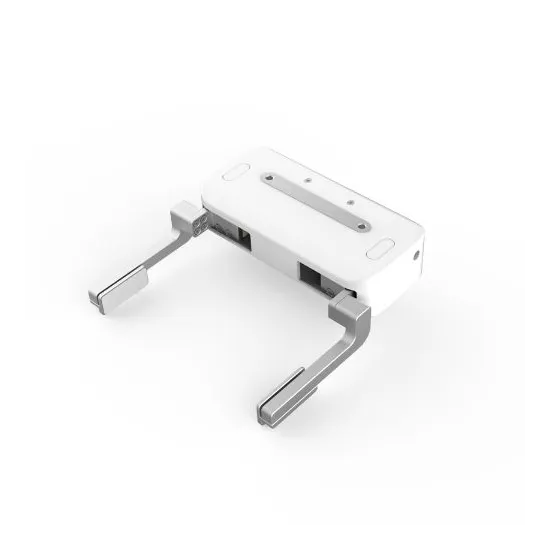
The choice depends on your application: a gripper for handling a variety of objects, a vacuum solution for flat/smooth items, and optionally a camera/vision system if you need to locate parts before picking.
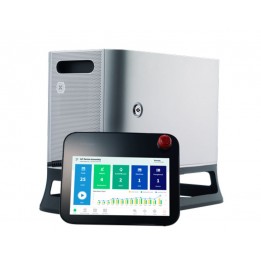
Which controller should I choose (AC or DC)?
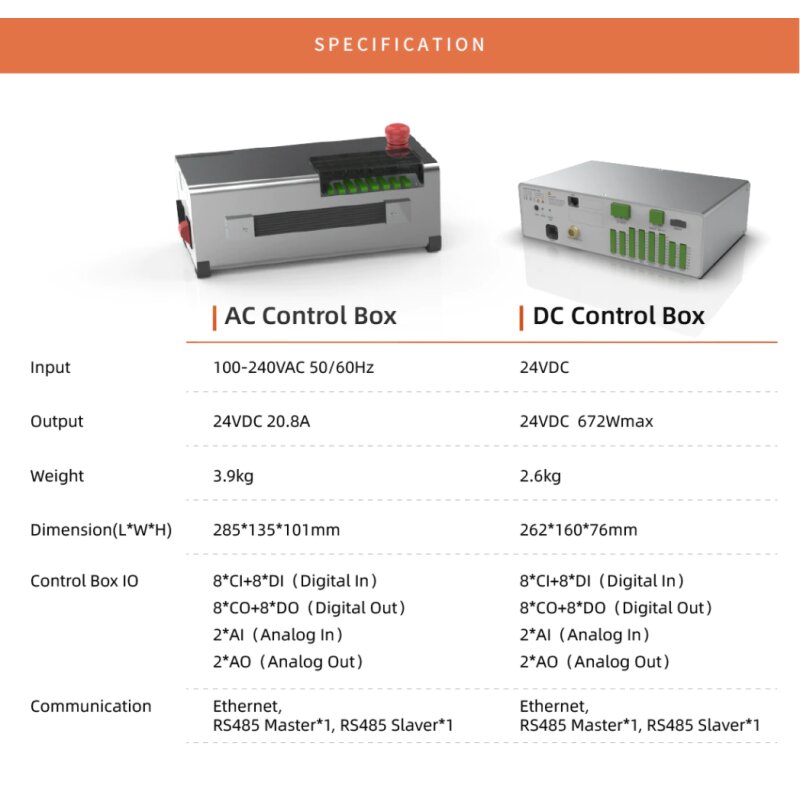
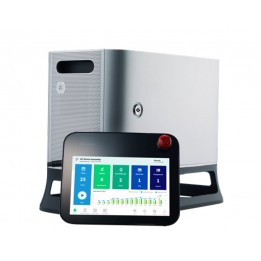
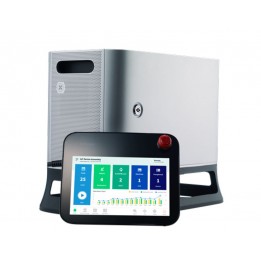
The AC controller fits most on-site installations. The DC controller can be preferred in mobile environments or when DC power is already available. The choice mainly depends on your electrical architecture.
Can the xArm operate continuously?
The range is designed for industrial use and can run for extended periods, depending on the application, duty cycle, environment, and recommended maintenance.